
How to Make a First Time in a Fancy Cafe AI Video
Updated November 4, 2026
Quick answer
Sign in to FancyCafeVideo, choose Solo with one adult photo or Duo with two, buy credits and generate. Each mode costs 432 credits at 480p or 957 at 720p. The requested output is a 15-second 9:16 MP4 with AI music and cafe ambience, without a watermark. Pet is experimental and untested.
What You Need
- Solo: one clear adult photo. Duo: two separate adult photos. Use JPG, PNG or WebP up to 10 MB each. Experimental Pet accepts one photo of your own pet.
- A FancyCafeVideo account. Sign in before adding photos or generating; guest generation is not available.
- A paid credit balance. Packs are $9 / $19 recommended / $29 for 900 / 1,900 / 2,900 credits. No free trial or free credits. The $9 pack cannot cover one 720p video.
Step 1 — Choose Clear Photos
Use a sharp, evenly lit full-body or knees-up photo with one adult in the frame. Keep the face clear and visible, without sunglasses, masks or strong filters.
For Duo, prepare two separate photos in role order. For experimental Pet, use one photo of your own pet with its whole body visible. Pet output has not been tested; species, markings and movements may vary.
Step 2 — Choose Solo, Duo or Experimental Pet
Every mode requests a 15-second 9:16 video with sound. Solo is the default. In Duo, the first photo is “On the table” and the second “Walks in.” The scene is generated from your photos, so exact actions and likeness may vary.
| Mode | Scene roles | Photos | Full-generation cost |
|---|---|---|---|
| Solo | Your photo guides the adult on the table; an AI adult stranger walks in. | 1 adult photo, full body or knees up | Solo: 432 credits at 480p · 957 at 720p |
| Duo | Photo 1 is on the table; photo 2 supplies the guest who walks in. | 2 separate consenting-adult photos, in that order | Duo: 432 credits at 480p · 957 at 720p |
| Pet (experimental) | Your pet photo guides the subject on the table; output is untested. | 1 photo of your own pet; whole body visible | Experimental Pet: 432 credits at 480p · 957 at 720p |
Step 3 — Generate in the Studio
Open the studio and sign in before adding your photos. Choose the mode and resolution, then check the displayed credit cost and buy a pack if needed. The service first places your photo into the cafe scene and then generates the video.
Allow a few minutes and follow the task status. Completion time has not been measured and can vary with demand. Return to your signed-in history to check the task and download the finished result.
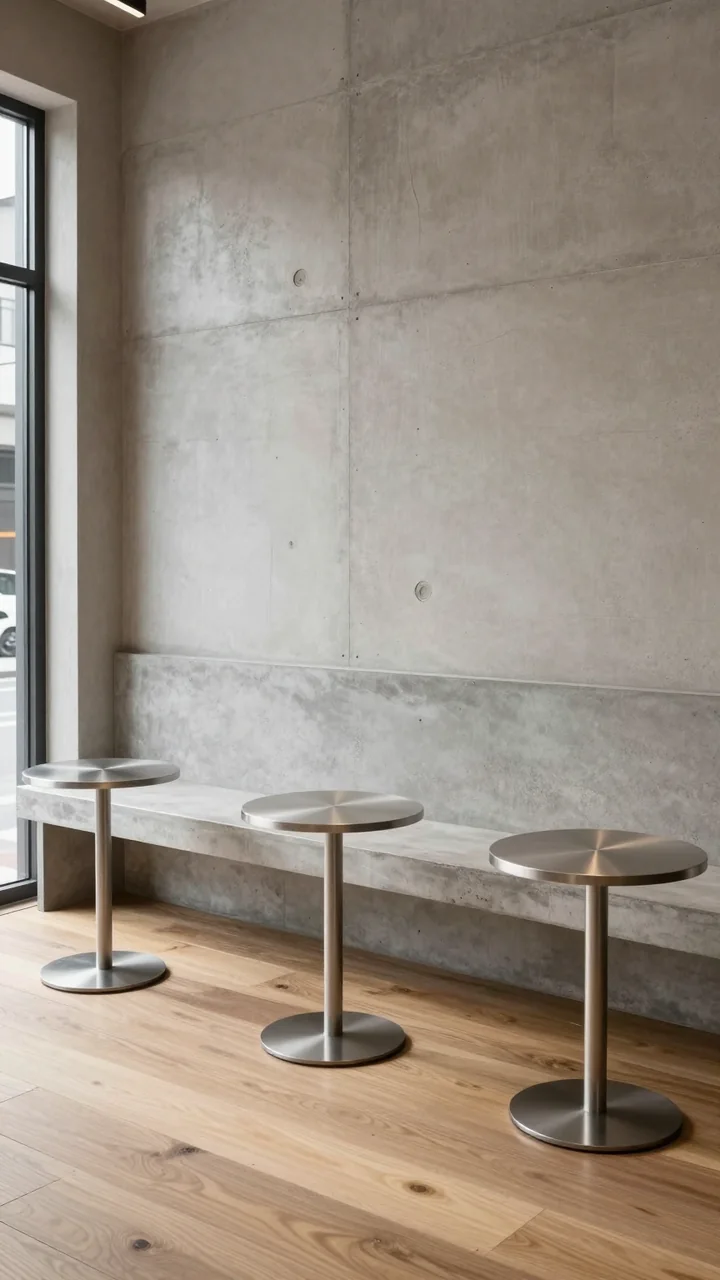
Step 4 — Download the Video with Sound
Download the MP4 when the task completes. The requested format is 15 seconds, 9:16, at the 480p or 720p setting you selected, with an audio track and no watermark. Review the face, actions and sound before posting.
The audio is original AI music and cafe ambience, not the original TikTok sound. Keep it if it suits your post, or add a sound available in TikTok or Reels and lower the video's original audio.
Step 5 — Add a Caption and Post
- Add your own caption, such as “POV: your first time in a fancy cafe,” and label AI-generated content when the platform asks.
- Use your own photo or a consenting adult's photo. For Duo, get permission from both adults before sharing.
- Do not use photos of minors, celebrities or other public figures. Use only your own pet for experimental Pet mode.
How This Differs from a CapCut Template
FancyCafeVideo generates a new cafe scene from your photos. A CapCut template arranges the media its creator specifies, so it may require you to film the table-and-bench joke yourself. Check the template before choosing that route.
Photo Checklist
Use
- One subject in each photo, with even lighting and a clear face.
- A full-body or knees-up adult photo; a whole-body photo for your own pet.
- Separate Duo photos: “On the table” first, “Walks in” second.
Avoid
- Sunglasses, masks, strong filters or anything hiding the face.
- Group photos, tiny subjects, strong side profiles or extreme camera angles.
- Motion blur, harsh shadows, or photos of minors, celebrities and public figures.
Troubleshooting
The face or actions do not match
AI likeness and action order can vary. Check that the source face is clear and the correct photos are in each role. A clearer photo may help, but a perfect match or complete action sequence is not guaranteed.
I want to use my pet
Choose experimental Pet with a photo of your own pet. Output is untested; there are no verified dog or cat results, and species, markings and movement may vary.
Generation is taking longer than expected
The process runs an image step and a video step. Allow a few minutes and check task status or your history. Timing has not been measured; a longer wait alone does not confirm that a task failed.
A video failed or I need to retry
Failed video steps are refunded automatically. A completed image composite remains charged at 12 credits and is kept for a retry. Reusing that composite charges only the video step: 420 credits at 480p or 945 at 720p. Contact support if a confirmed refund does not appear.
Keep Reading
Fancy Cafe AI Video Tutorial FAQ
Sign in, add one adult photo for Solo or two for Duo, buy credits, select 480p or 720p and generate. Download the requested 15-second 9:16 MP4 with AI music and cafe ambience when it is ready.